Install Wireshark
Install Wireshark and its packet-capture components on Windows, or reproduce the documented offline Ubuntu installation.
Windows
If you are running Windows or macOS, download an official release from the Wireshark download page. Linux users can obtain distribution packages or source releases from the same page. Select the package appropriate for your operating system. This demonstration focuses on installing and running Wireshark on Windows.
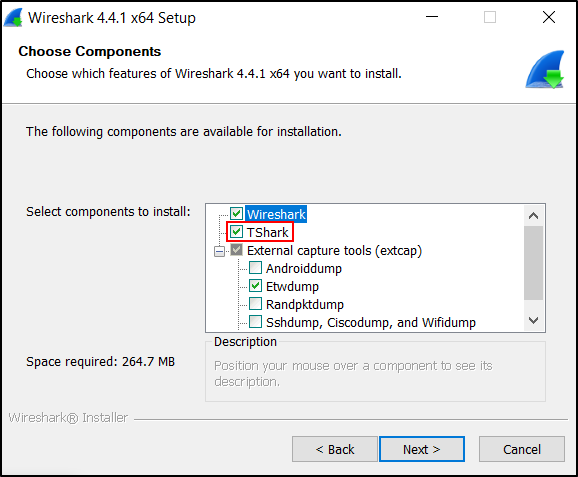
Double-click the installer and follow the prompts. Keep TShark selected. Install Npcap when prompted because Wireshark requires a packet-capture driver for live capture on Windows.
Installation checkpoint
Installation is complete when Wireshark and TShark start, the expected interfaces are listed, and the installed versions are recorded in your build notes.
Linux offline installation
Create a directory for the packages: Open a terminal and create a directory to store the Wireshark package and its dependencies.
Download the Wireshark package and its dependencies:
On an Ubuntu machine with internet access, use the following commands to download Wireshark and all its dependencies into the wireshark-offline folder.
sudo apt update
apt-get download wireshark
apt-cache depends wireshark | grep Depends | sed "s/.*ends:\ //" | xargs apt-get download
apt-get download libminizip1 libqt5core5a libqt5gui5 libqt5multimedia5 libqt5printsupport5 libqt5widgets5 libwireshark15 libwiretap12 libwsutil13 wireshark-common libqt5svg5 libdouble-conversion3 libmd4c0 libqt5dbus5 libqt5network5 libxcb-xinerama0 libxcb-xinput0 libbcg729-0 libc-ares2 liblua5.2-0 libsmi2ldbl libsnappy1v5 libspandsp2 libwireshark-data libssh-gcrypt-4
The package list is version-specific
The explicit dependency names above reproduce the demonstrated Ubuntu environment. They can change between Ubuntu releases. Prepare the offline bundle on an internet-connected machine running the same Ubuntu release and architecture as the offline VM. Review the packages before transfer and do not assume this list applies unchanged to a later release.
Transfer the downloaded .deb files to your offline Ubuntu VM
Install the dependencies:
On your offline Ubuntu VM, navigate to the folder where you transferred the .deb files and run the following command:
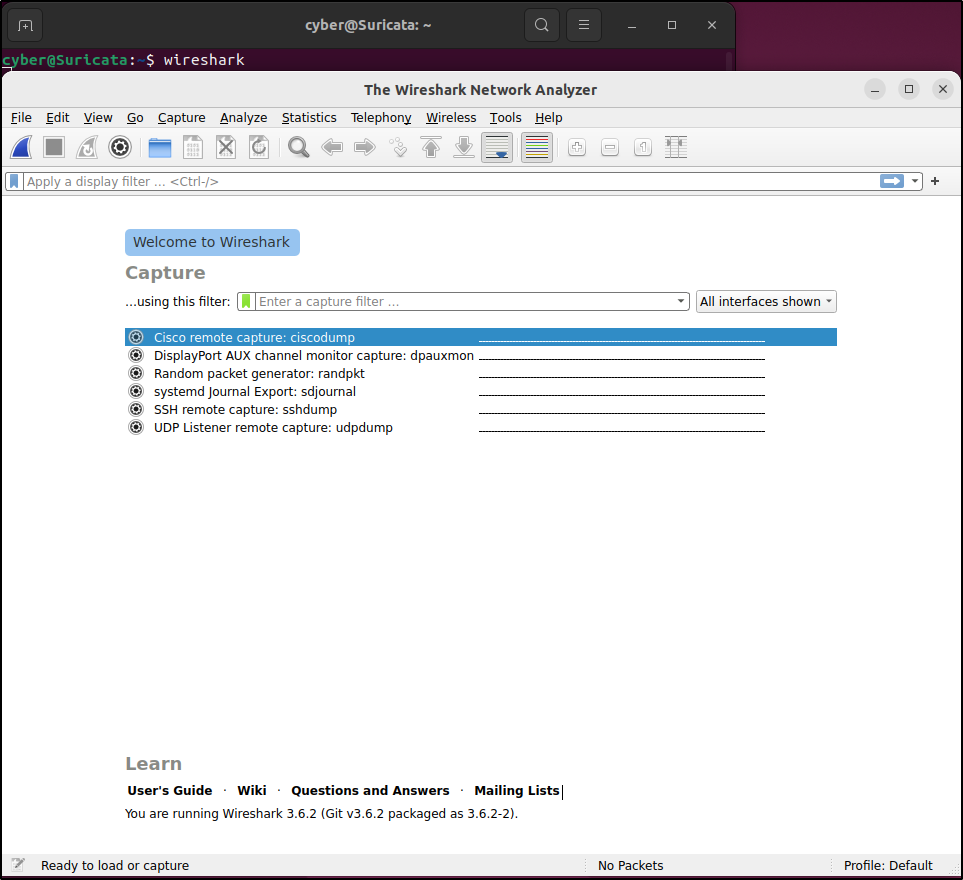
Restart the PC and run Wireshark