Correlate and Extract Evidence in Zui
Move from a single record to related Zeek and Suricata evidence, identify observed files, extract the relevant packet flow, and write a conclusion that does not overstate what network data proves.
Activity 1: Open record details
Select a record, open the right sidebar, and choose Detail. The expanded record and Detail pane expose fields that are not visible in the compact result row.
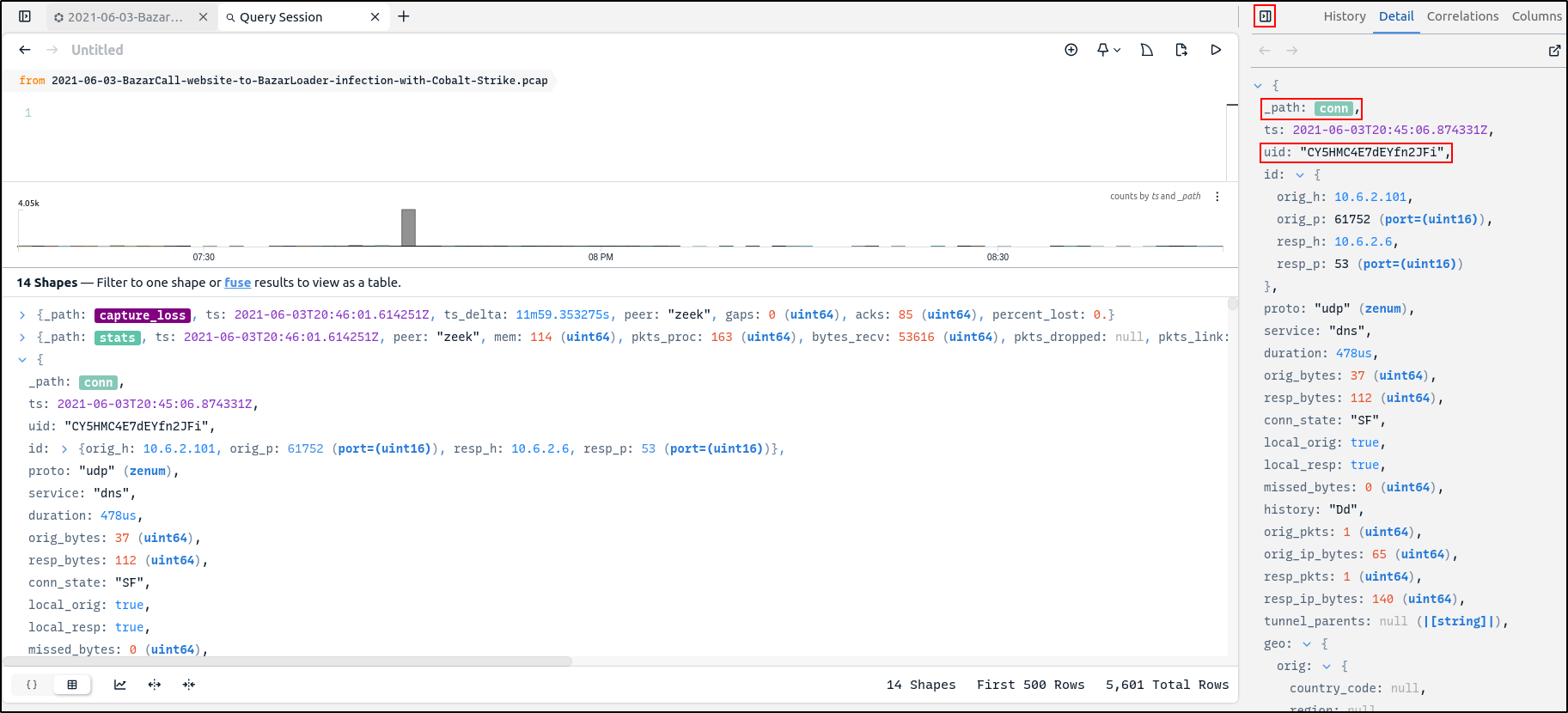
Zeek assigns a uid to a connection. Protocol-specific records observed on
that connection can share the same UID. Use it to pivot between the underlying
connection and related application-layer records.
UID and community ID solve different problems
A Zeek uid connects Zeek records for the same observed connection. A
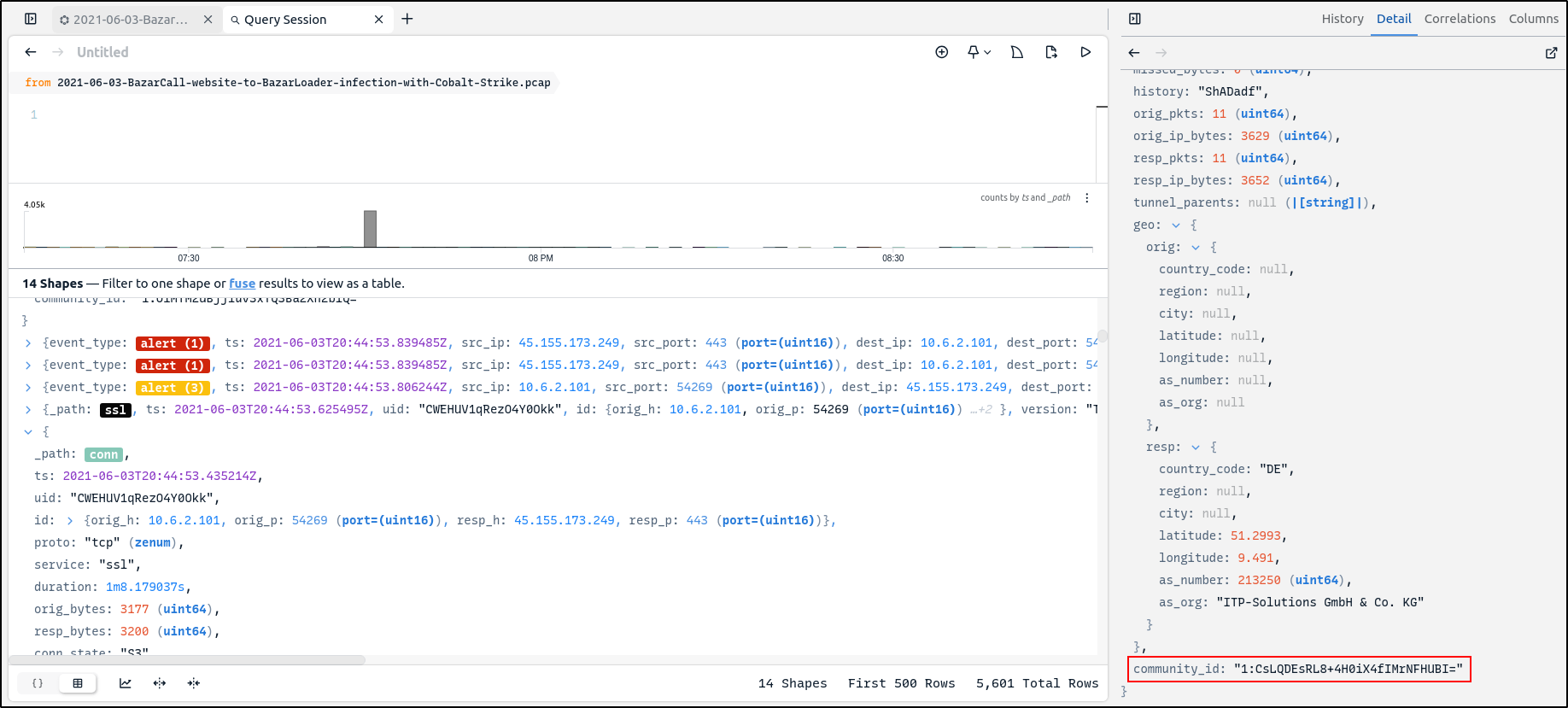
community_id can correlate the flow across compatible tools, including
Zeek and Suricata. Do not assume unrelated records share a flow because
their timestamps are merely close.
Activity 2: Review correlations
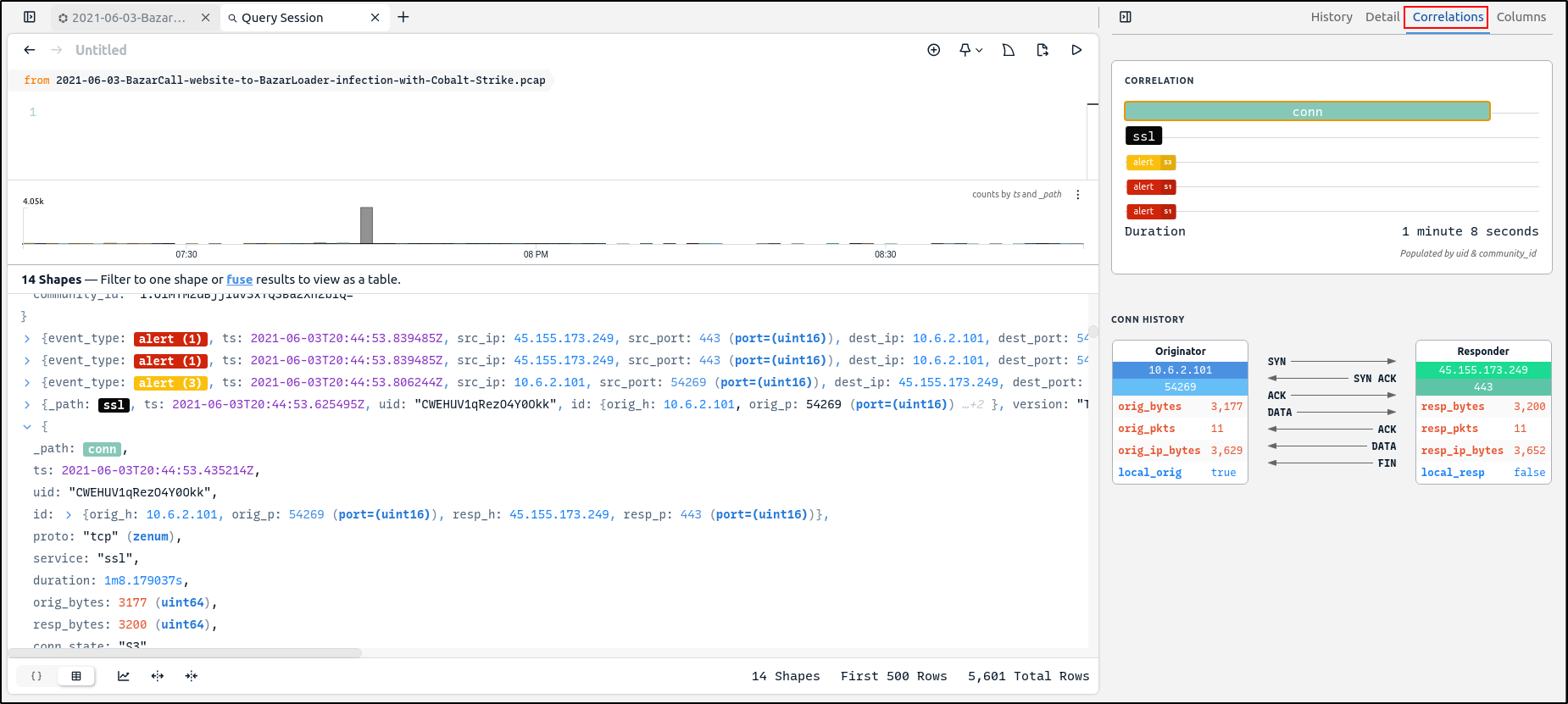
Choose Correlations in the right sidebar. The tiles provide shortcuts to
records related by uid or community_id, while the connection history
summarises the originator, responder, direction, bytes, and duration.
Select a correlation tile to jump to the corresponding record. Record the originator, responder, ports, duration, related record types, and identifier that supports the relationship.
Checkpoint
You can explain why the selected conn, ssl, and alert records belong to
the same flow and identify whether UID or community ID supports each pivot.
Activity 3: Find observed files
Zeek file records can contain hashes calculated from observed payloads. Select a file record to inspect those values and any tables that summarise where the same content appeared in the imported data.
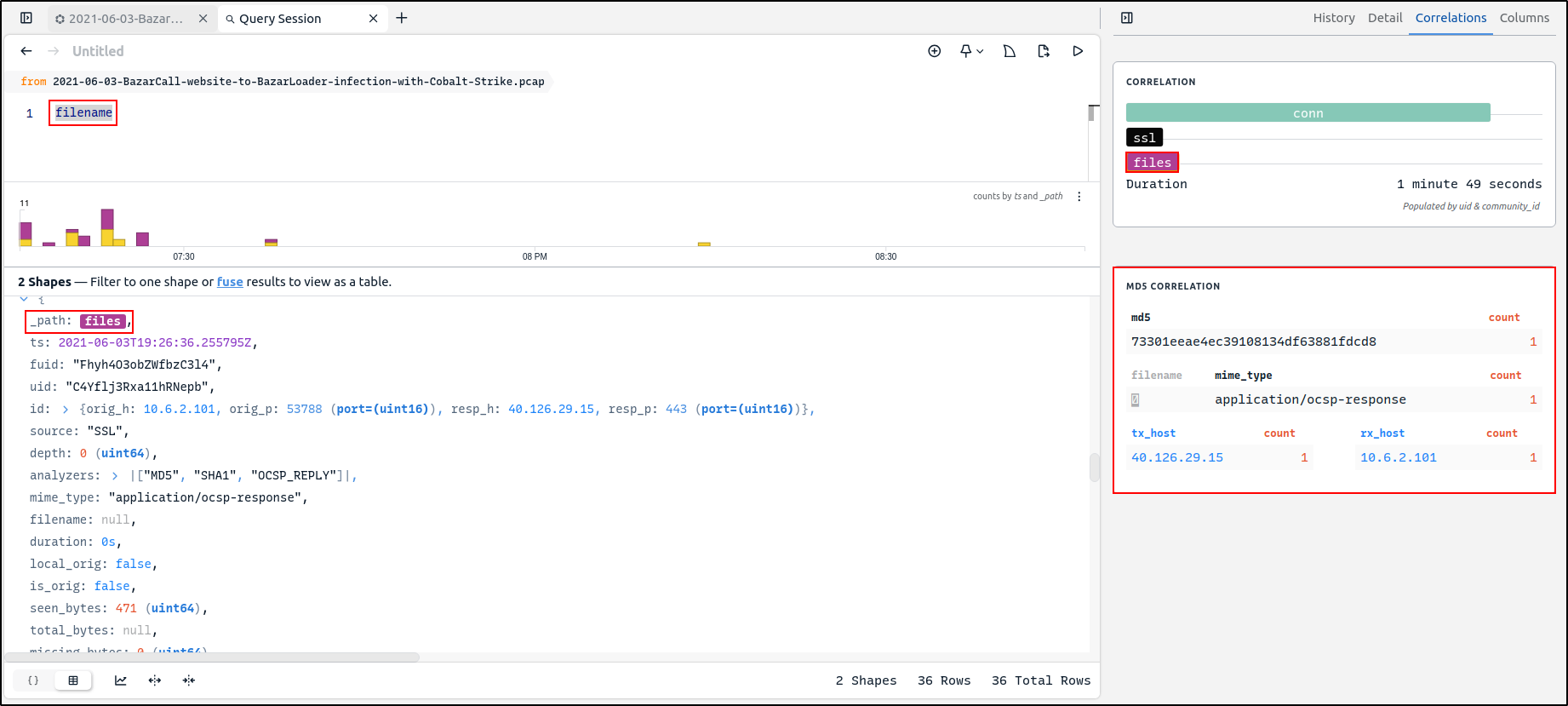
Filter for records with a filename:
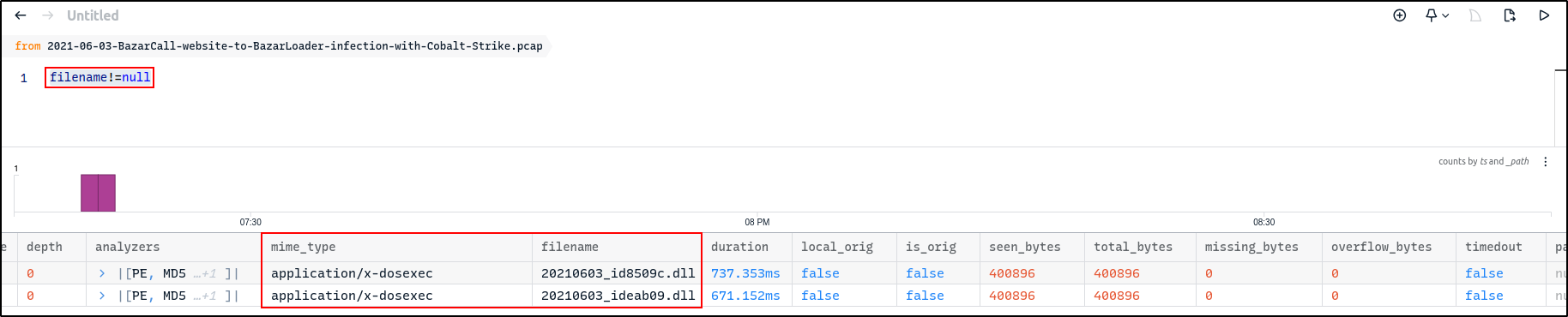
The walkthrough reveals two DLL filenames with the Windows executable MIME type. Record the filename, MIME type, hash algorithm, and hash value before using any external reputation service.
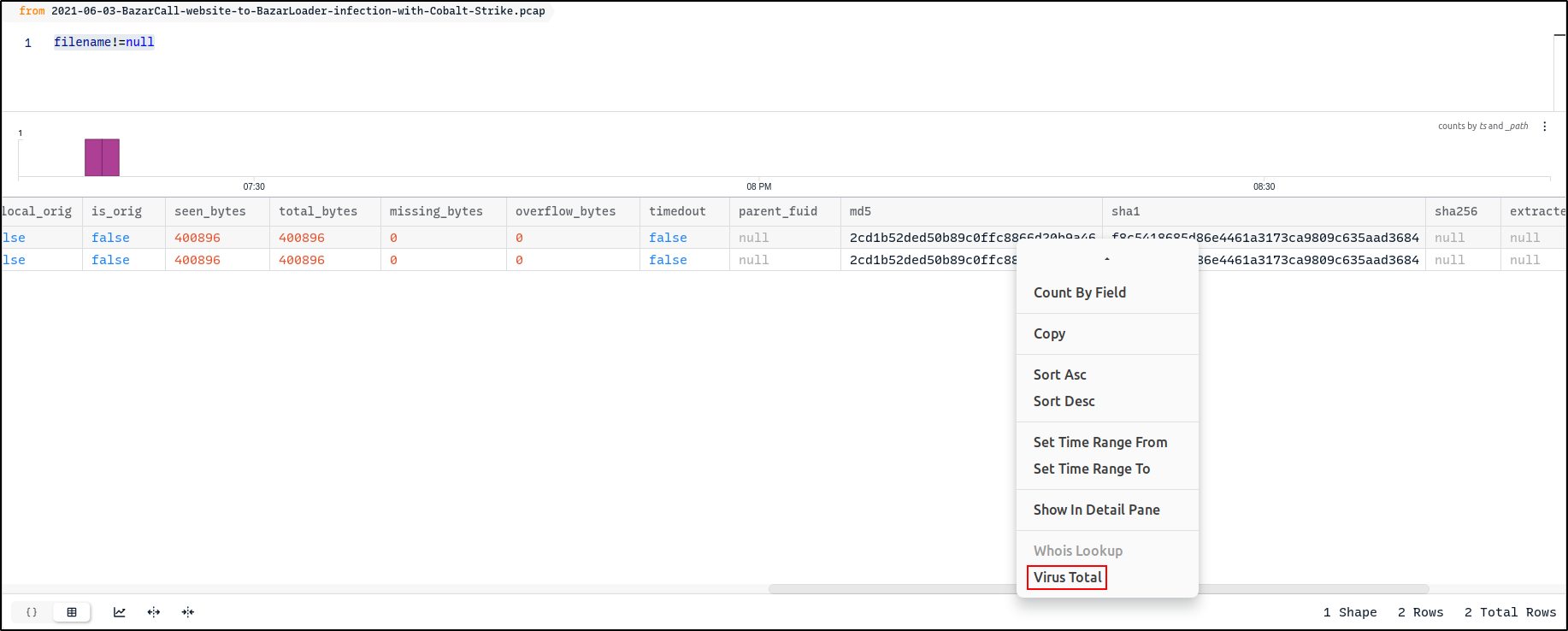
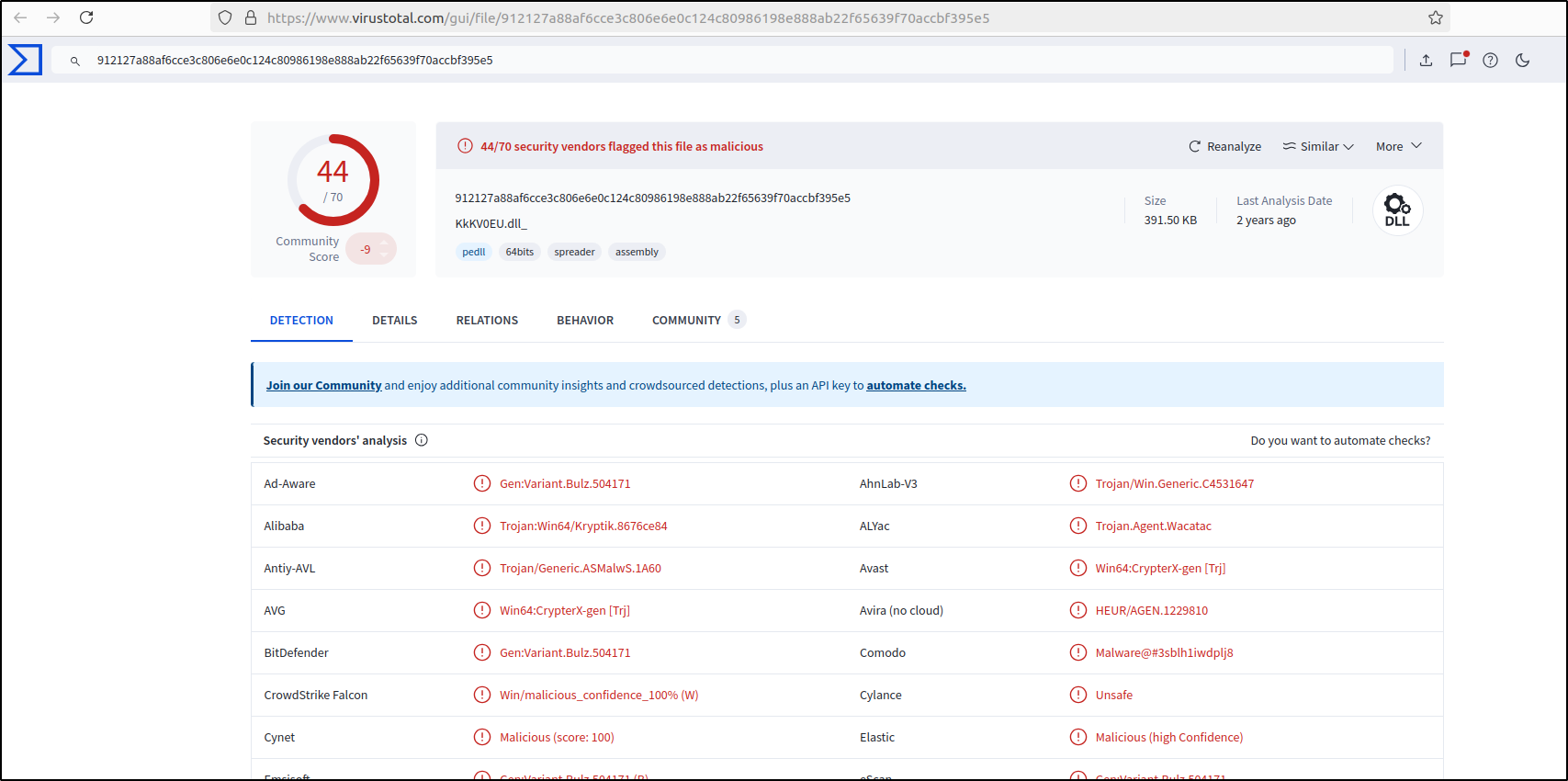
Hash lookup can disclose investigation data
Querying an external service shares the hash with that provider and a match is reputation context, not proof that the observed file executed. Follow your organisation's disclosure policy and use an approved integration or offline process when required.
Activity 4: Extract the related packet flow
During PCAP processing, Zui builds an index that can be used to extract packets for an individual flow. Select the relevant record and choose Download Packets.
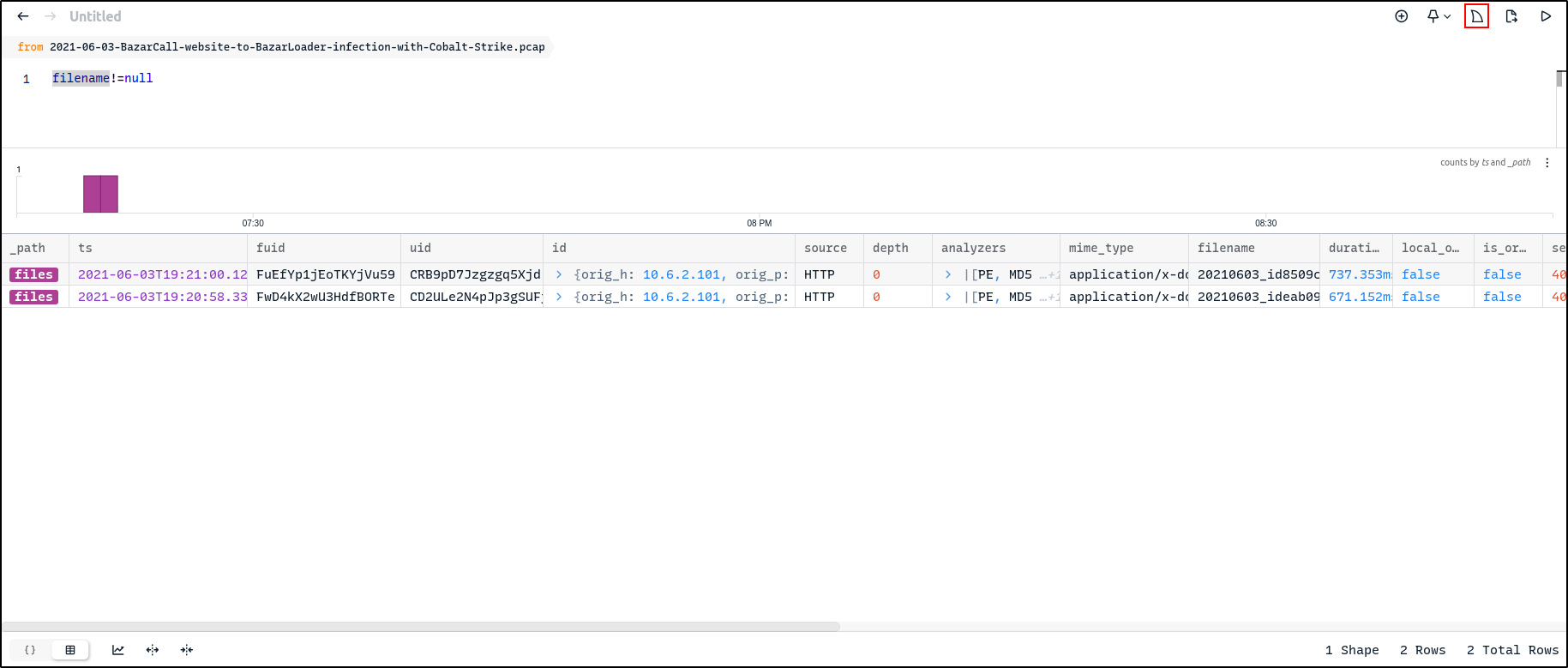
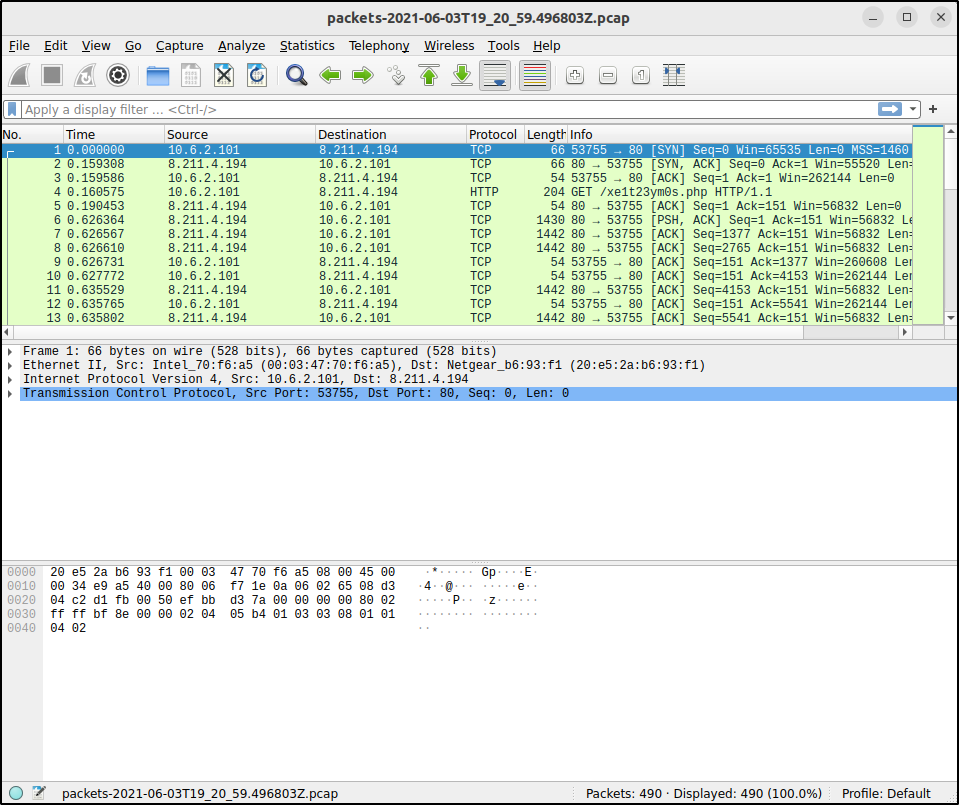
Record the source PCAP hash, selected record timestamp, endpoints, extraction action, output filename, and output SHA-256 checksum. Open the extracted flow only in the isolated analysis environment.
Activity 5: Focus on alerts and community ID
Right-click an alert value and select Filter == value to focus the results on Suricata alerts.
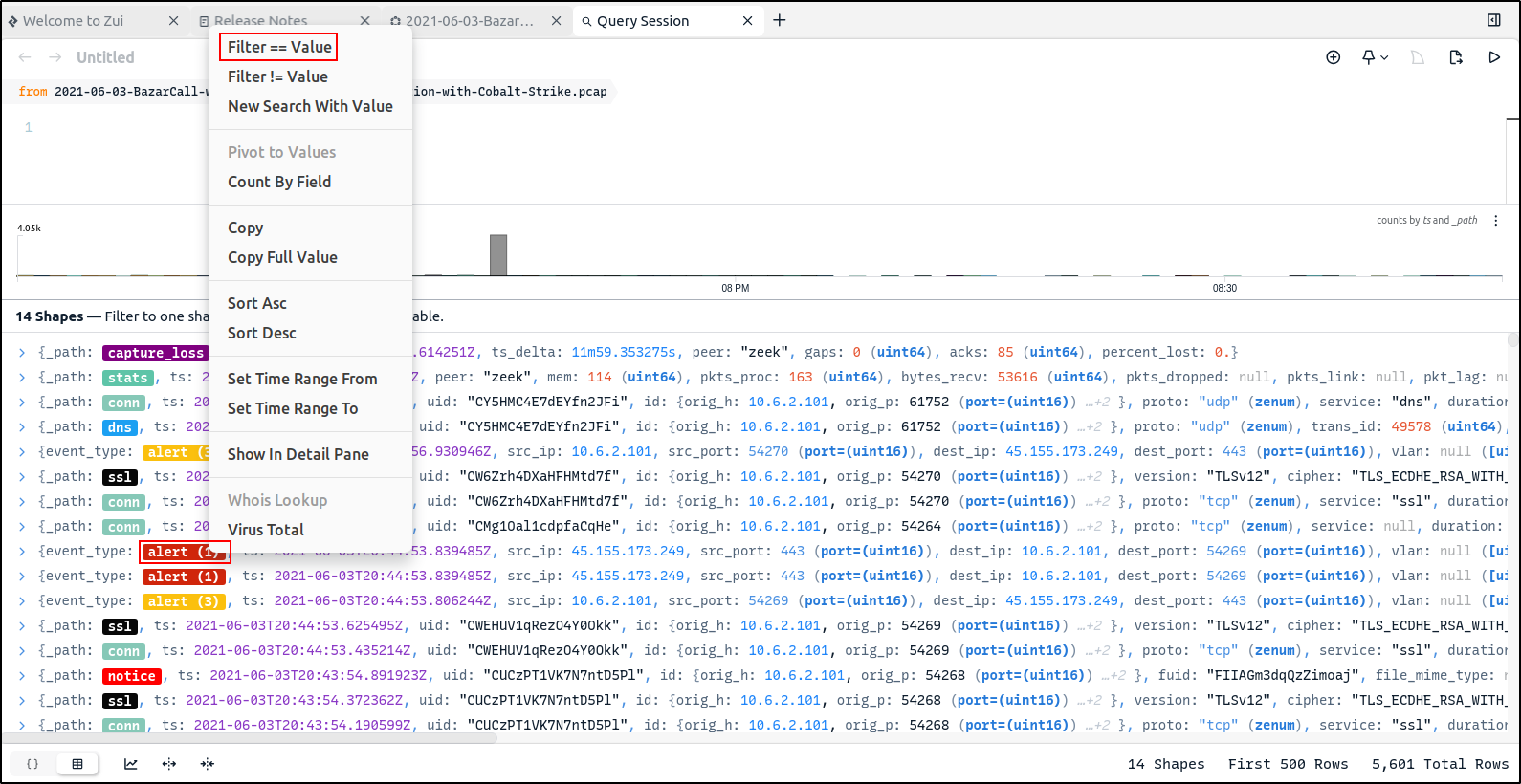
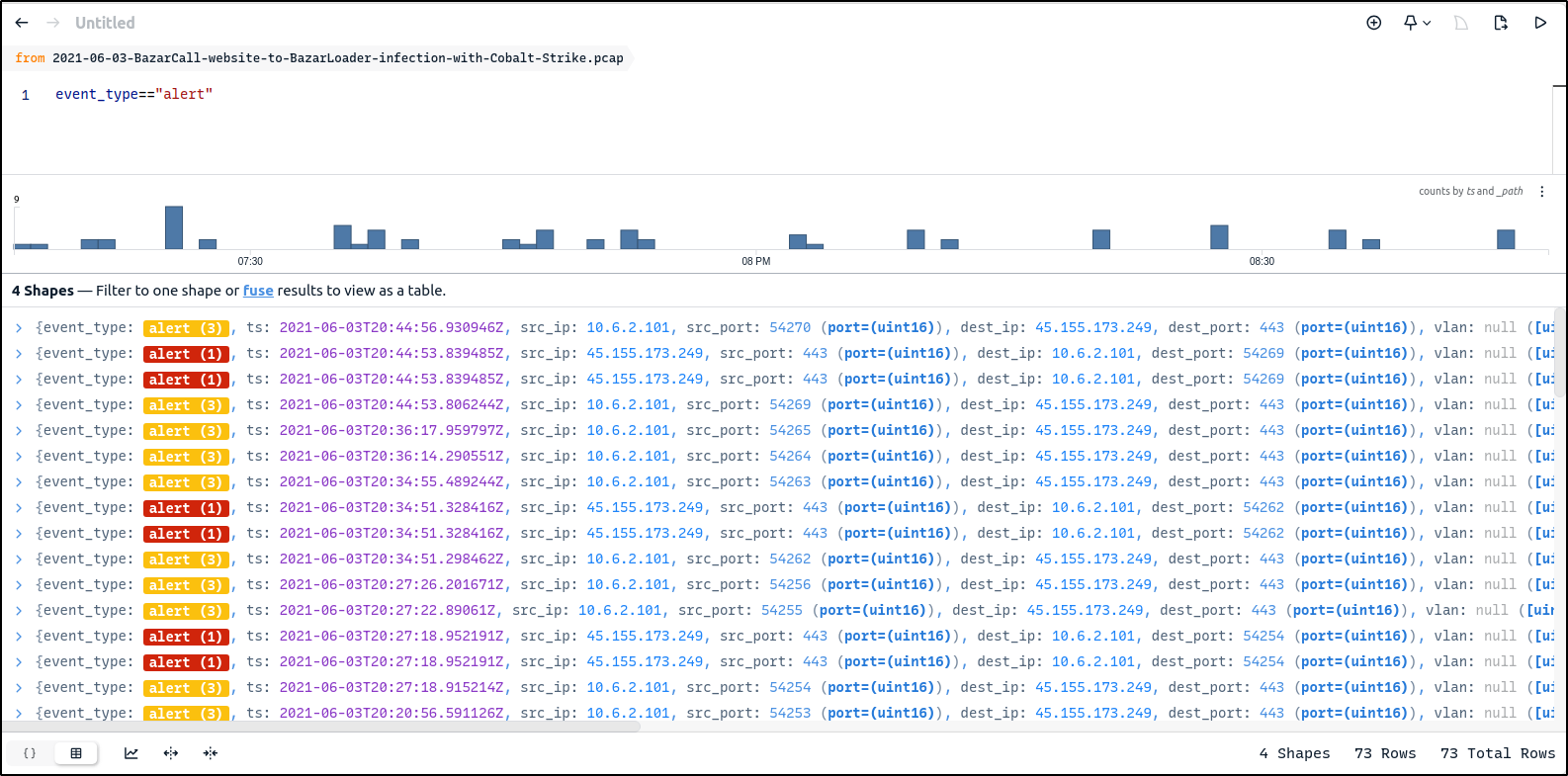
In the demonstrated environment, the Suricata analysis identifies alerts associated with BazaLoader command-and-control and backdoor activity.
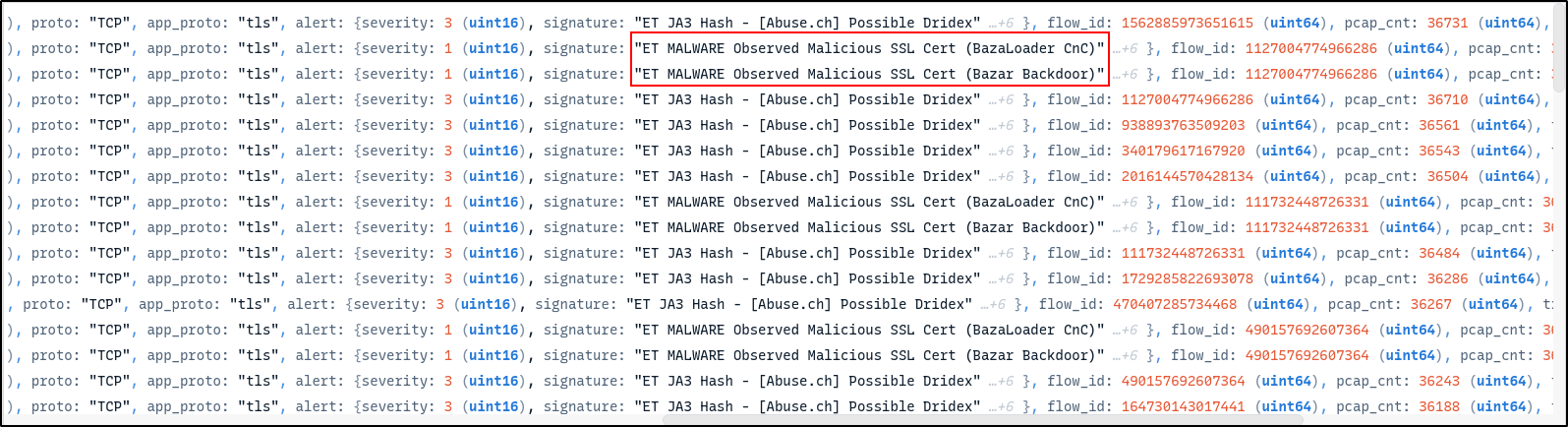
Select an alert and locate community_id in its details.
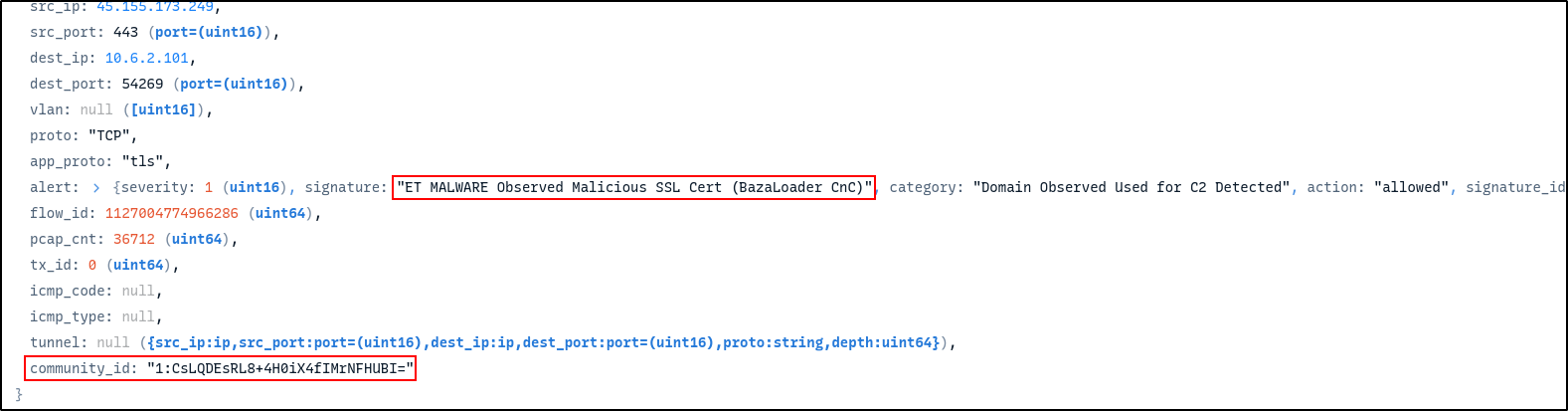
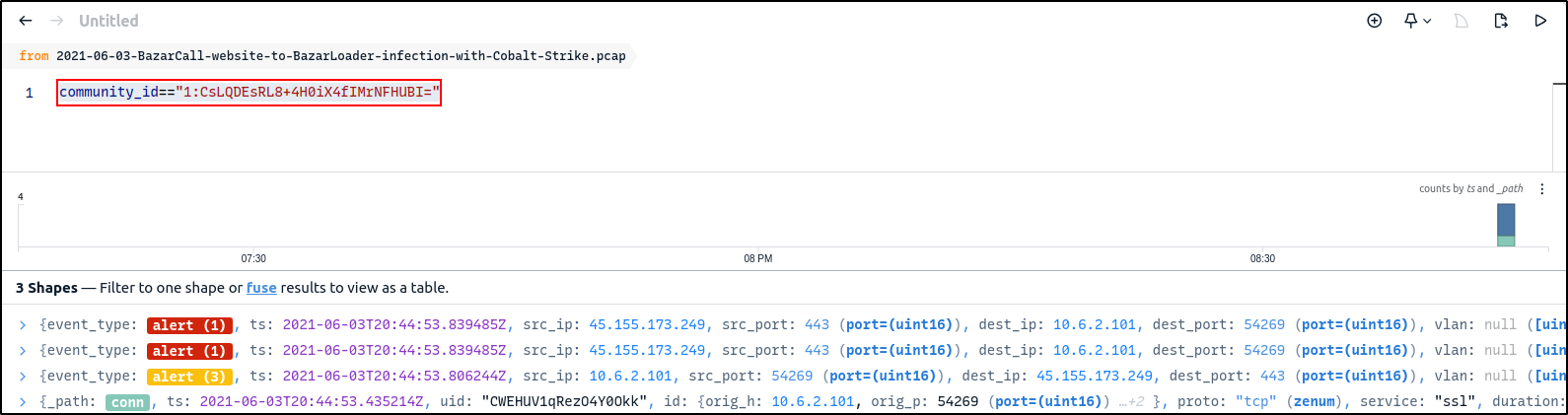
Right-click the value, choose Filter == value, and remove the earlier
event_type condition so the query returns records from other tools that share
the flow.
Investigation checkpoint
Your notes identify the alert, endpoints, community ID, related Zeek records, observed filename and hash, extracted flow, and the exact queries used to reach them.
State the supported conclusion
A defensible conclusion separates observation from interpretation. For example:
The imported capture contains a Suricata alert and Zeek connection and TLS records that share a community ID. A related Zeek file record identifies an observed DLL and its hash. These network records support escalation and packet-level review, but do not by themselves prove that the file executed or that the endpoint was successfully compromised.